# Why I Built Lumenarie Marketplace for My Wife’s Science Class
Published: 2025-10-05
Author: Vin Jones (https://vinjones.me)
## Introduction
My wife teaches Earth Science and Astronomy and asked for “a prize system that actually teaches teamwork.”
Her notes became the blueprint for **Lumenarie Marketplace**—a small web app where students earn **Lumens** (little stars ✨) for positive, specific behaviors, then spend them in a class store that’s open any day. The aim is purpose over points: reinforce collaboration, kindness, and follow-through.
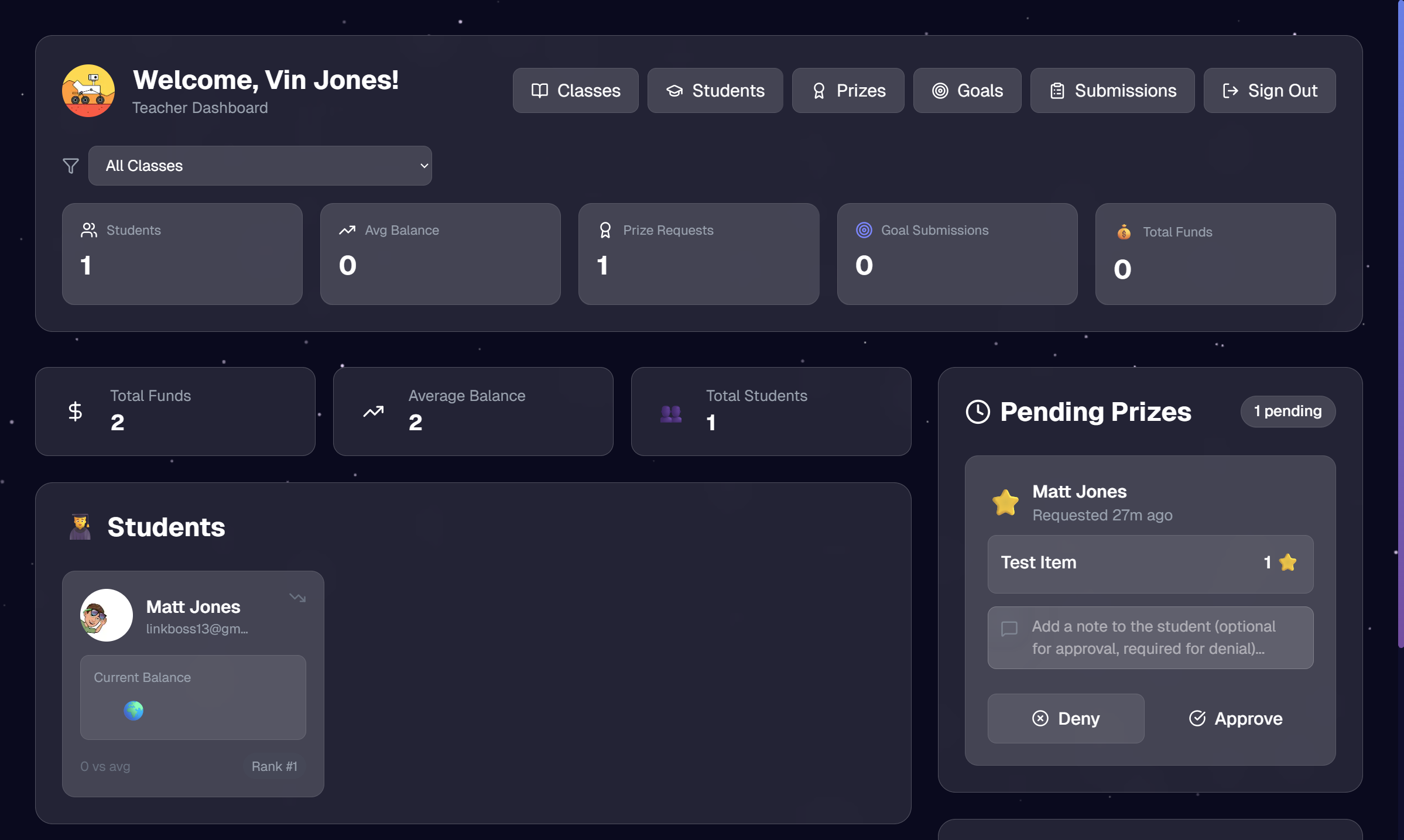
Teacher Dashboard: balances at a glance, pending approvals, and quick
actions.
## What We Set Out to Solve
- **Visibility:** Each student needs a clear “money pouch” showing their current Lumens and history.
- **Fairness:** Every award requires a stated reason; approvals are consistent and auditable.
- **Focus:** Students see _exactly_ how to earn, with guardrails like **max 3 Lumens/day** and clear receipts for purchases.
- **Belonging:** Organize students by **class** and track table groups for context (table-group assignment is coming later).
- **Delight, not distraction:** A small animation/notification when Lumens are awarded so effort feels seen—without interrupting class time.
- **Teacher Time:** Awarding, approving, and reconciling purchases should be fast.
At-a-glance summaries help the teacher take action in seconds.
## Students & Groups
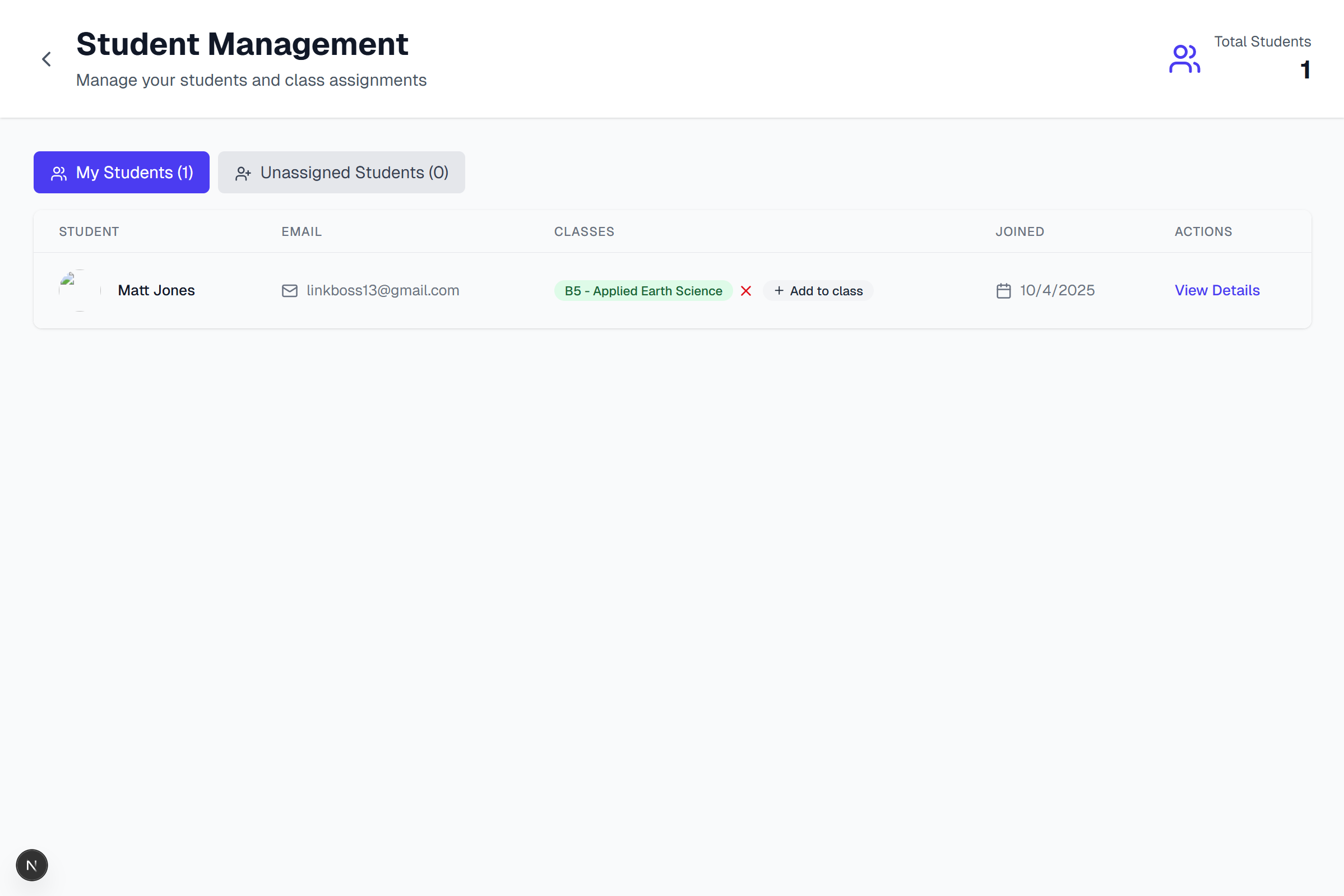
Every student has a pouch (balance) and a transaction log. The teacher can organize by **class** and **move students between classes** as needed.
Table groups are currently **view-only**; teacher assignment to table groups will come in a future update.
Student Management: edit students and move them between classes.
## The Store
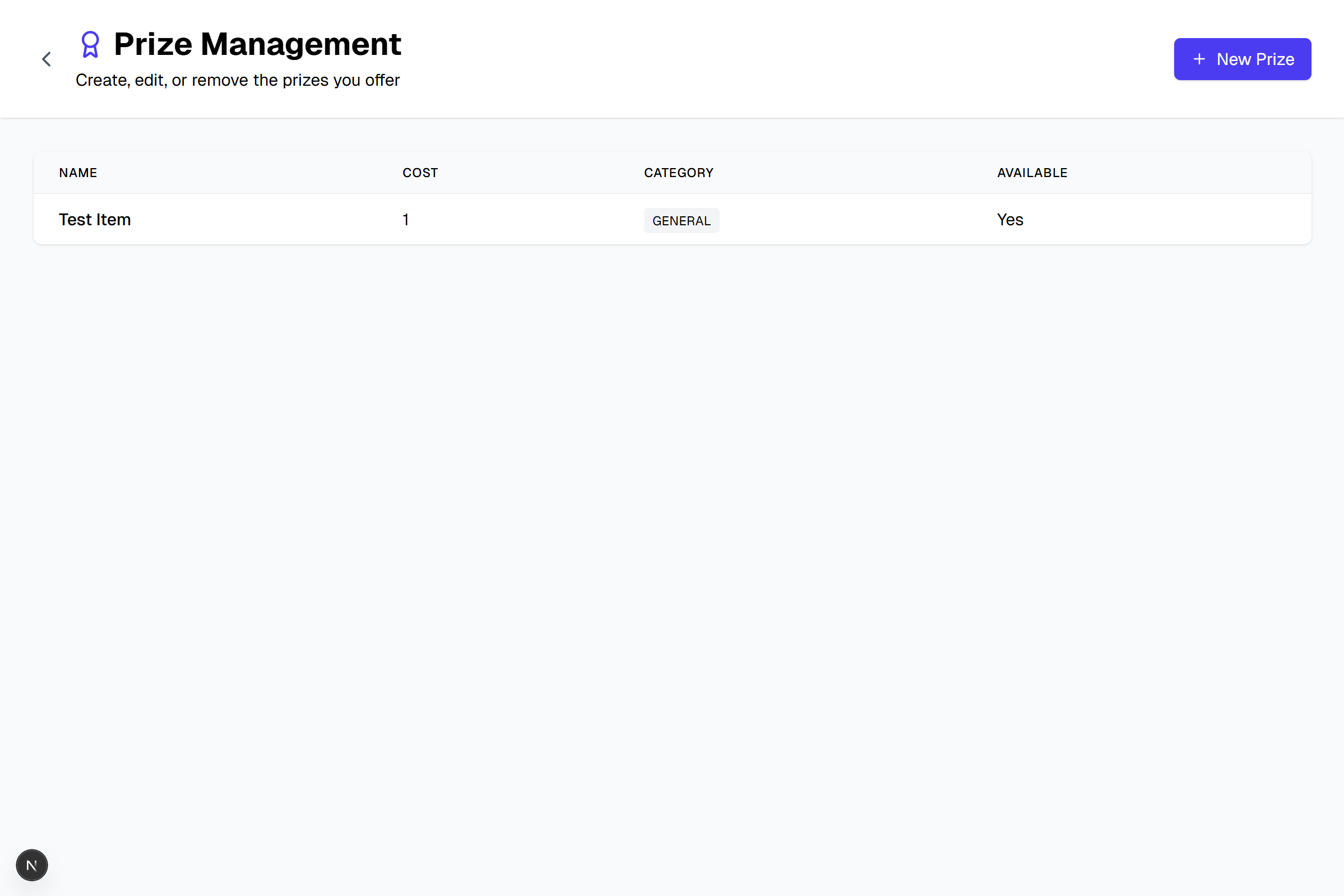
The store lists real, motivating items. Prices are visible, and students can pick a **goal item** to see how many more Lumens they need. Purchasing is available **any day**, so students can plan and redeem when it fits the class routine.
- Crack-yourself geodes
- Resin animals
- Squishy animals
- Stickers
- Chocolate
- Mini Oreo / Mini Chips Ahoy / Sour Patch Kids
Prize Management: set prices once; tweak as you learn what motivates your
class.
## Earning Lumens (Clear, Specific Behaviors)
Students earn **at most 3 Lumens per day**. Each award has a **reason** attached.
**Examples that align with class goals:**
- Offer a helpful clarification when a group member is unsure of a concept
- Step up to help a struggling group member (e.g., read text aloud, scribe their thoughts)
- Compare notes with a peer and add one thing you missed
- Give a genuine, specific compliment to each group member (“sneaky compliments” don’t count)
- Invite a quiet group member to share
- Add a _significant_ paragraph to the group’s notes
- Sit with your table group for the entire class period
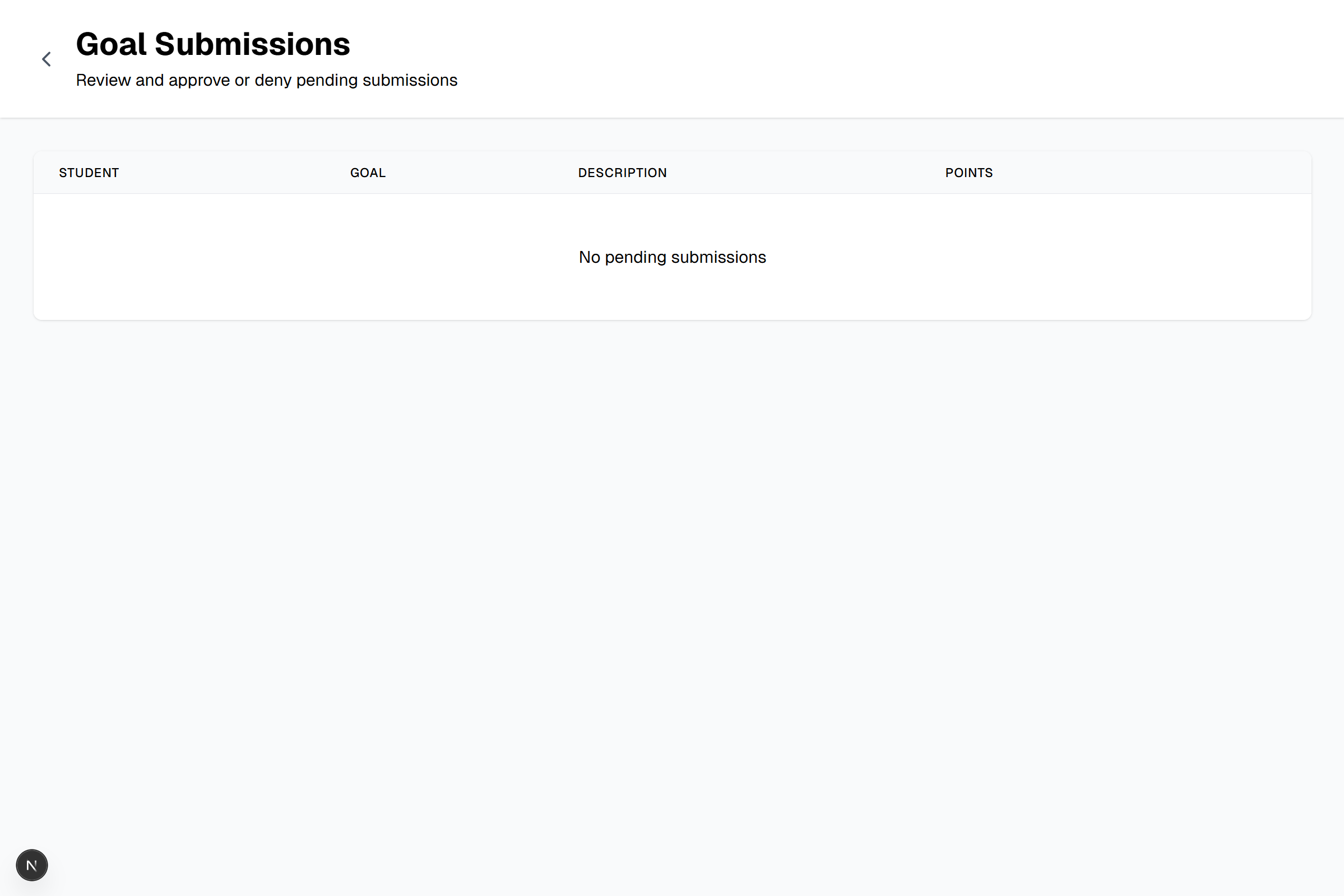
Students can submit **proof of completion** when the teacher might have missed something; the teacher reviews and approves or denies with a reason.
Goal Submissions: students attach evidence; the teacher approves with one
click.
## Class & Goal Design
Class-wide goals keep the room’s energy on track:
- Keep group work time under **80 dB** (room noise)
- **Every student** turns in the assignment (papers make it to the turn-in box)
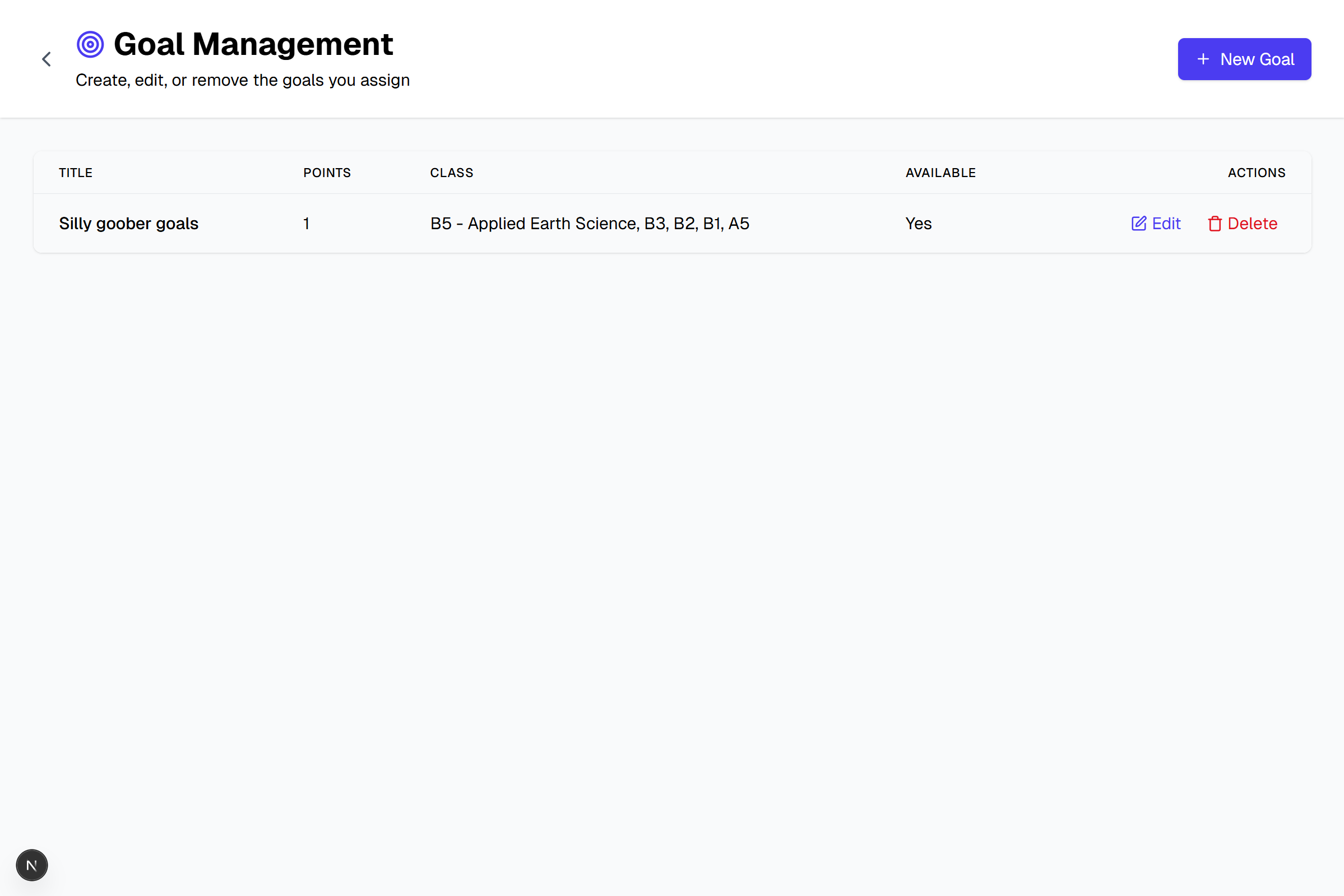
Goals are written in plain language and visible on the student dashboard so everyone knows _how_ to win the day.
Goals Management: define behaviors, point values, & per-day earning limits.
## Classes and Quick Edits
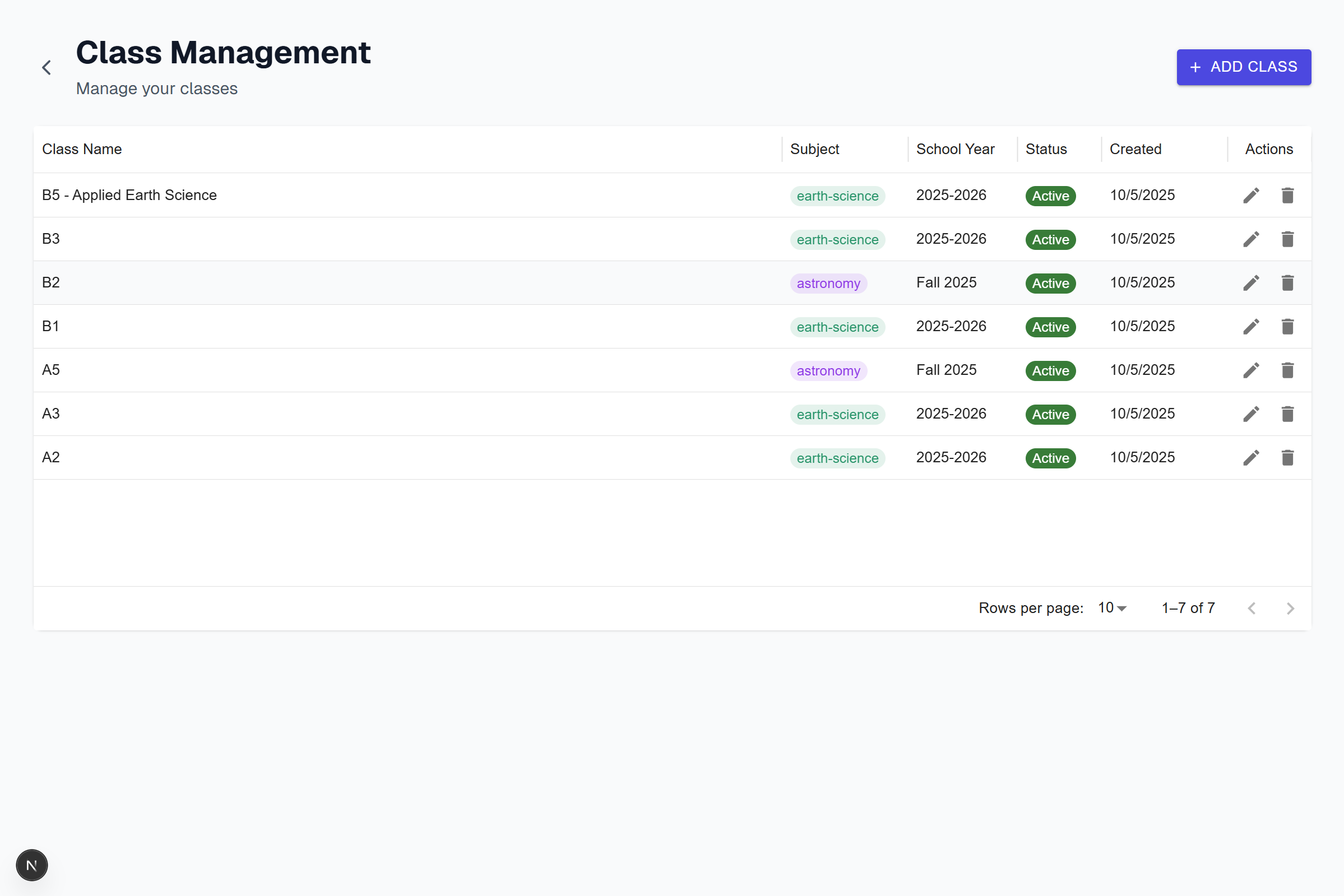
Teachers can open a class, **move students between classes**, and immediately see balances, pending submissions, and goal progress. Table groups are visible for context, with assignment coming in a future update.
Class Management: flexible class moves keep rosters aligned with seating and
schedules.
## What Students See
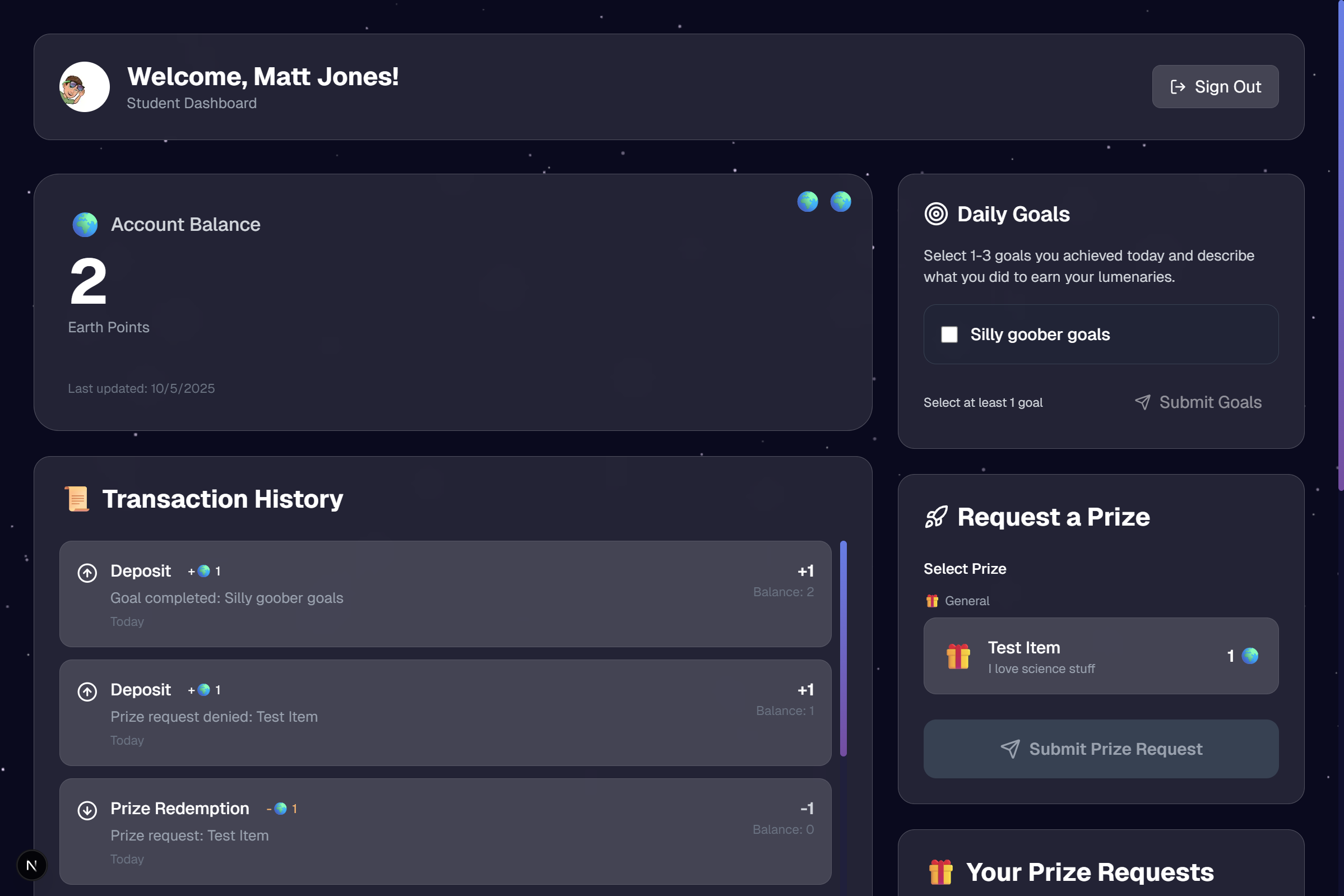
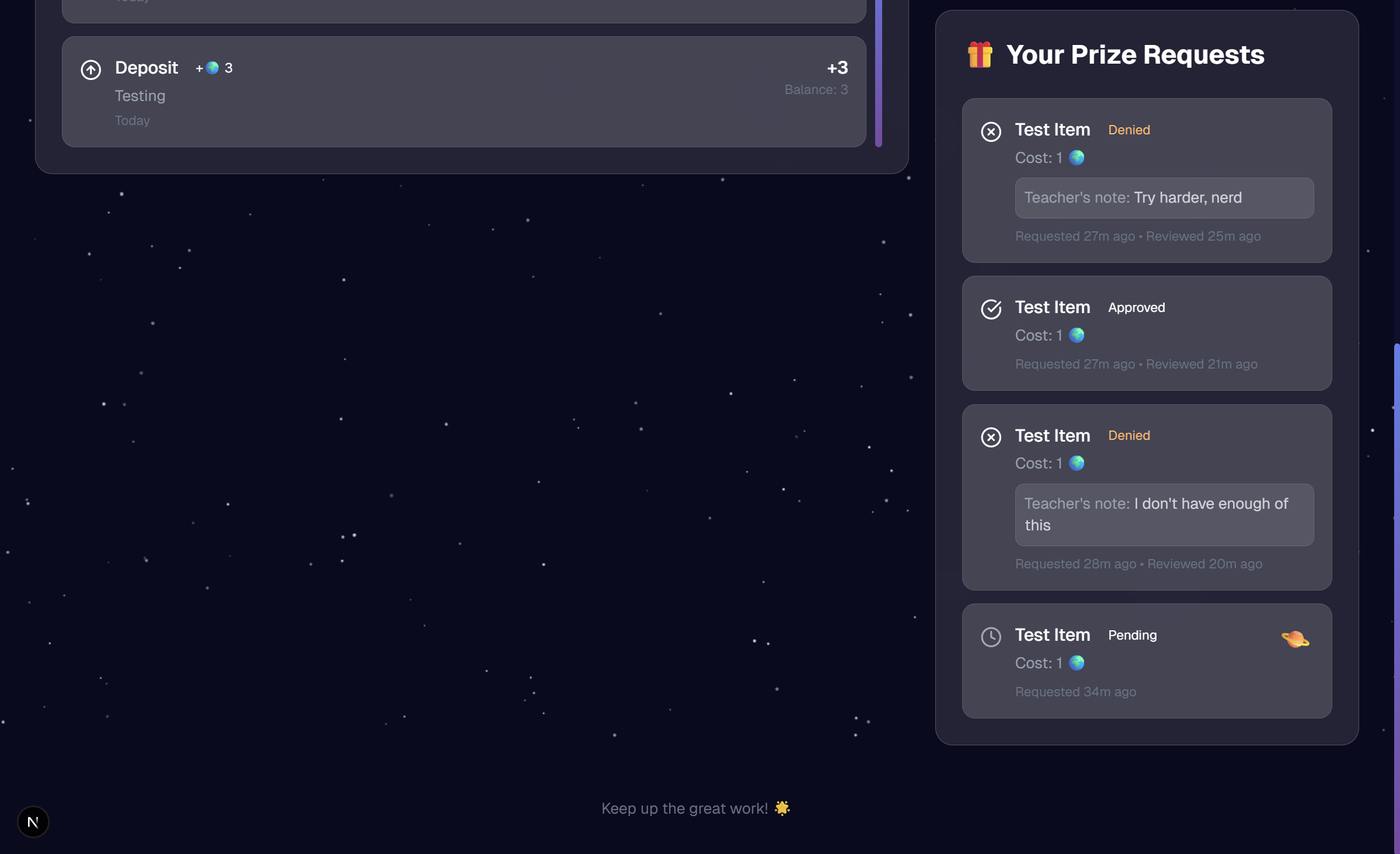
The student dashboard is deliberately simple: balance, goal progress, ways to earn next, and a prominent **“Submit Proof”** button. Students can also select a **goal item** and track “Lumens to go.”
Student Dashboard: clarity first—balance, progress, and next steps.
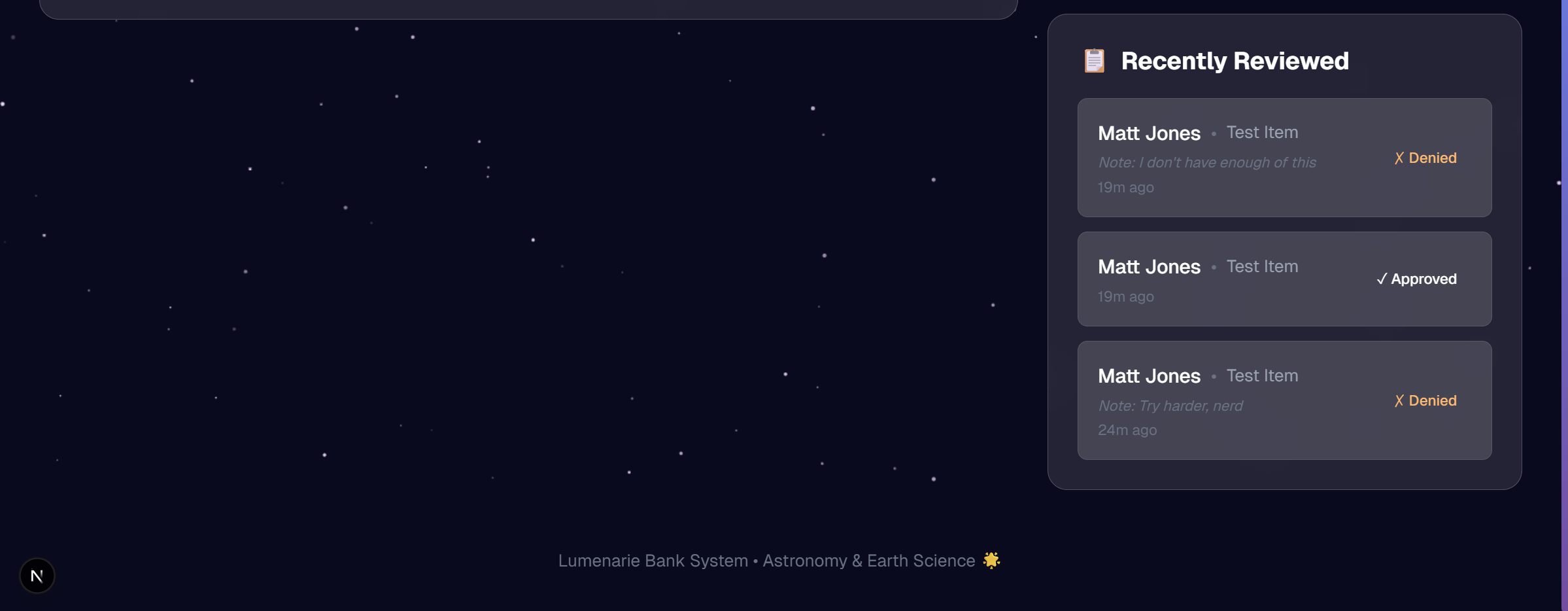
Recent activity and submissions keep the system transparent and fair.
## Guardrails That Keep It Healthy
- **Max 3 Lumens per day** per student
- **Every transaction has a reason** (award or purchase)
- **Teacher approval** for student-initiated submissions
- **Role-safe updates:** teachers can **move students between classes** and adjust prices; student actions are scoped to their own account
## What’s Next
- **Noise goal automation:** use the classroom computer’s microphone to detect if the room stays under **80 dB** during group work and auto-award Lumens at the end of the block (with teacher override).
## Why This Matters
The real goal isn’t candy or trinkets—it’s building habits: kindness, inclusion, and accountable collaboration. The Lumens and the store are just the visible part; the culture is the prize.